Read the Chameleon-i Blog
Check out our latest posts for industry news, recruitment articles and more. If you have any questions or would like to know more, please contact us.

GDPR for Recruitment Agencies & The FAQ Webinar
Over the past weeks we have been looking at GDPR and some of the effects it will have on recruiters. Many of you have had questions surrounding the new legislation. To address this we have held a Webinar specifically to address these concerns. Below are some of the more common questions with what we hope will be useful answers.
Listen to Webinar
What constitutes personal data?
Any information related to a natural person or ‘Data Subject’, that can be use

Manage Unconfirmed Shifts with the Click of a Button
Chameleon-i has made it easy for our Temps Module users to view any Unconfirmed shifts on the system for a specific date range through a new addition to the menu options.
Users are then able to confirm or remove that shift through an email to the temps and client by using a customisable email template.
It’s as easy as simply clicking the Menu option, and selecting the Unconfirmed Shifts, set your date range and then click the refresh button to show the results.
How to find unconfir
Read more →
Shortlist Map: View a Candidate&Summary
Chameleon-i users can view a candidate’s summary when looking up their location on the Shortlist Map. This allows the user to assess the candidate’s viability, availability as well as where they live in relation to where the vacancy is. For the most effective results, it is recommended that you enter a postcode on the vacancy address/client address and the candidate address.
Instructions
- Open the vacancy shortlist and click the Map button
- Select either the red Show All Locati

Temps Shift Assignments E-mail Update
Temps users can now confirm shift assignments via email. To do this, users select the shift or shifts that they wish to confirm, then run the Confirmation Shift wizard to email the temp and client. Chameleon-i will automatically populate the body of the email so you don’t have to.
You can also customise the email template that is sent out to the temp and the client, however, we would advise you to chat with our support team before attempting this.
Instructions
1. Select the shifts that need confirmation on
Read more →
Chameleon-i GDPR Module Release Info and Webinar
Over the past months, our developers have been working away to provide you with the means to make light work of your GDPR preparations. It’s now arrived, our much-anticipated GDPR Module is now available.
To assist you with your GDPR preparations we have have released a step by stepworkflow guide on how the GDPR module works and also included several articles below which will show you certain actions you can take to clean your database, get your contac
Read more →
Custom Reports
If you are looking for reports containing custom data sets, Chameleon-i is now able to produce bespoke reports for your agency.These reports contain the data stored in each record type within your database.
You can select the exact information including tags that you wish each report to contain and we will create the template.
To use your custom reports simply add records to your basket, press the ‘Download Excel’ button and select the report from your list. Now click ‘Generate Report’, thi
Read more →
GDPR – Privacy Notices for Recruiters
In our latest GDPR for Recruiters Webinar, we looked at Privacy Notices. These are key to your GDPR implementation strategy and in this session, we discussed what they are and what you should consider when preparing yours. If you missed the webinar or would like to listen to it again you can do so here.
GDPR – Privacy Notices for Recruiters
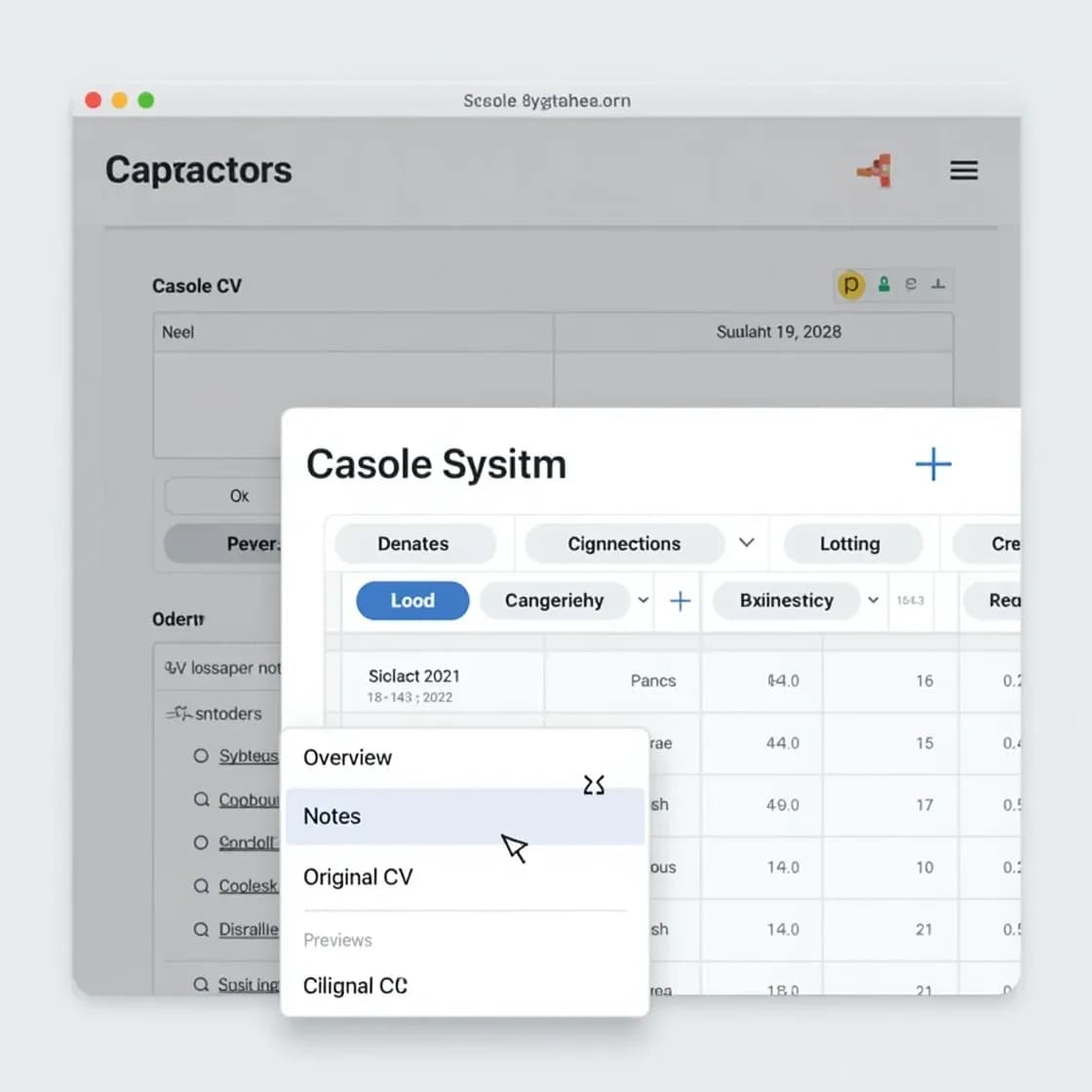
Added CV preview functionality
Jumping back and forth between screens can be tedious, to say the least. Users have previously been able to preview stored CVs by using CV Preview on an individual Candidate record.
That has changed and you can now preview CV within the grid view expander as well.
Instructions
Step 1
The user runs a candidate grid search
Step 2
The user then clicks the + expander to open the grid view of the candidate record and then will click the Original CV t

GDPR- What recruitment agencies should be looking at
In the second of our GDPR webinars, we looked at some of the key points that you and your recruitment agencies need to be looking at in preparation for the 2018 GDPR implementation. If you missed the webinar or would like to listen to it again you can do so here.
GDPR – What your recruitment agency needs to know
Many of the GDPR’s main concepts and principles are much the same as those in the current Data Pro
Read more →
Invoice with ease directly from the placement record
Need to send an invoice email straight from a placement? Now you can—quickly and effortlessly.
With just a few clicks, you can email your invoice contact directly from the placement record in Chameleon-i. The system will automatically log the activity as a reportable note and even let you set a follow-up, so nothing slips through the cracks.
Want to include a PDF invoice? No problem. You can attach a generated invoice to your email
Read more →